Derek Coleman & Associates Inc logoDerek Coleman & Associates Inc

Home / Marketplace / Jenkins LTS on Ubuntu 24.04 LTS

Jenkins LTS on Ubuntu 24.04 LTS

The most widely deployed CI/CD automation server, ready to build within minutes. This image boots Jenkins LTS on a hardened Ubuntu 24.04 base with a per-VM initial admin password — walk straight into the setup wizard and start defining pipelines.
Version: Jenkins LTS (official apt repository, current at build)Platform: Ubuntu 24.04 LTSPorts: 8080 (Jenkins web UI)Category: DevOps & Kubernetes
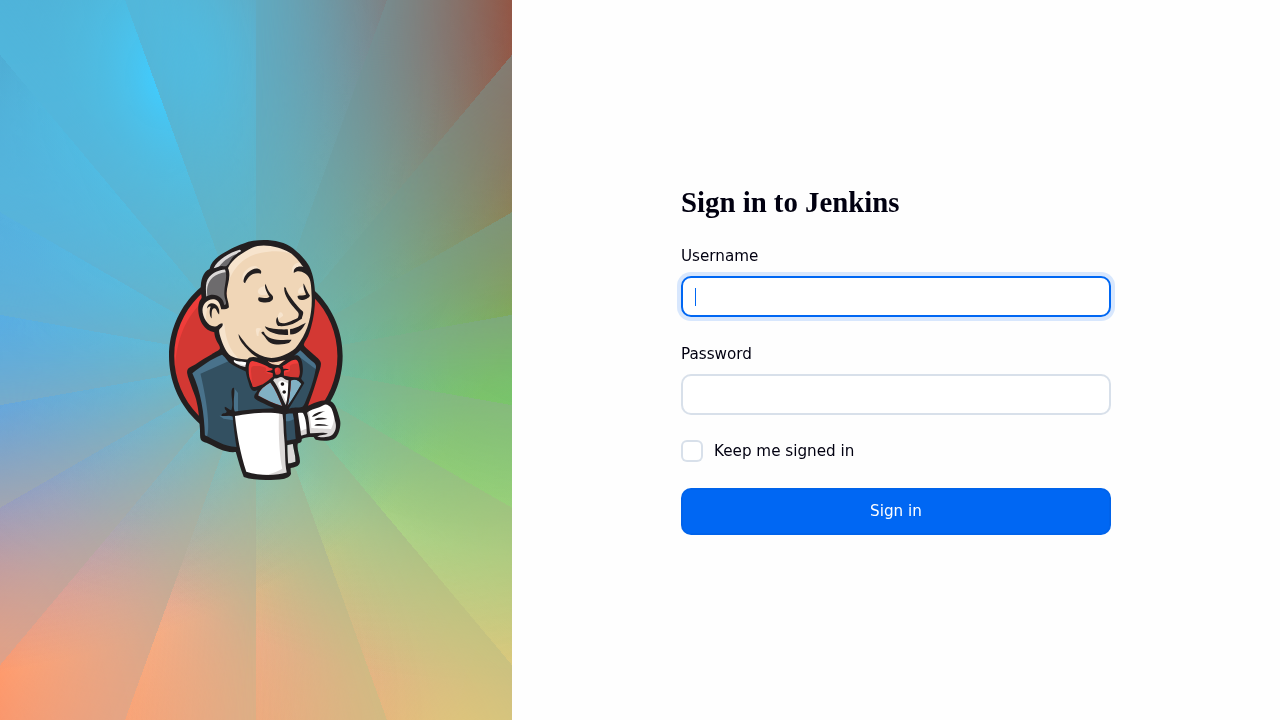
Jenkins LTS on Ubuntu 24.04 LTS screenshot

What's included

  • Jenkins LTS with the standard plugin ecosystem available
  • Per-VM initial admin password — no shared defaults
  • OpenJDK 17 runtime pre-installed and configured
  • Ubuntu 24.04 LTS with automatic security updates
  • Trusted Launch: Secure Boot + vTPM supported
  • Scale out with SSH or inbound agents as build load grows

Quick start

Known issue on the current image (as of 2026-09-15) — Signing in as admin with /root/.jenkins-initial-password returns HTTP 401: the Configuration-as-Code admin user was never created (plugin pre-install is best-effort at build), so Jenkins is waiting in its standard setup wizard instead. Workaround and fix status on the support page.
  1. Deploy from the Azure Marketplace (Get It Now → Create), choosing your SSH key at the Administration step.
  2. Allow inbound SSH (22) for yourself plus the application port(s): 8080 (Jenkins web UI) — restrict to your own IP where possible. The in-image firewall already allows them; only the Network Security Group (NSG) keeps them closed.
  3. Open http://<VM-IP>:8080/, unlock the setup wizard with `sudo cat /var/lib/jenkins/secrets/initialAdminPassword`, and create your first admin user (see First login below).
  4. Create your first pipeline (New Item → Pipeline) or connect agents; put Jenkins behind HTTPS before exposing it beyond your network.

Get your admin password (one time)

ssh <your-username>@<VM-IP>
sudo cat /var/lib/jenkins/secrets/initialAdminPassword

On the current image the setup wizard is ACTIVE and the Configuration-as-Code admin does not exist: unlock the wizard with /var/lib/jenkins/secrets/initialAdminPassword and create your own admin user. This is the standard Jenkins first-run flow; /root/.jenkins-initial-password is not a working login (image fix pending).

Common use cases

  • CI/CD pipelines for any language or platform
  • Scheduled jobs and infrastructure automation
  • Self-hosted build farm controller
  • Regulated environments requiring private build infrastructure

Why our images

Freshly rebuilt against the latest security advisories, no shared default credentials, Trusted Launch support, and automatic OS security updates — everything runs in your own Azure subscription under your governance.

Deploy Jenkins LTS in minutes

Production-ready, hardened, and maintained. Deploy straight from the Azure Marketplace into your subscription.