Derek Coleman & Associates Inc logoDerek Coleman & Associates Inc

Home / Marketplace / MariaDB 11.4 on Ubuntu 24.04 LTS

MariaDB 11.4 on Ubuntu 24.04 LTS

MariaDB 11.4 LTS on a hardened Ubuntu 24.04 base — a MySQL-compatible, fully open-source database that is running and ready for connections within minutes of first boot, with no default credentials to rotate.
Version: MariaDB 11.4 LTS (MariaDB repository)Platform: Ubuntu 24.04 LTSPorts: 3306 (MariaDB) — listens on localhost (127.0.0.1) only until you open it (three steps in Quick start); ufw already allows 3306, the NSG keeps it closedCategory: Databases
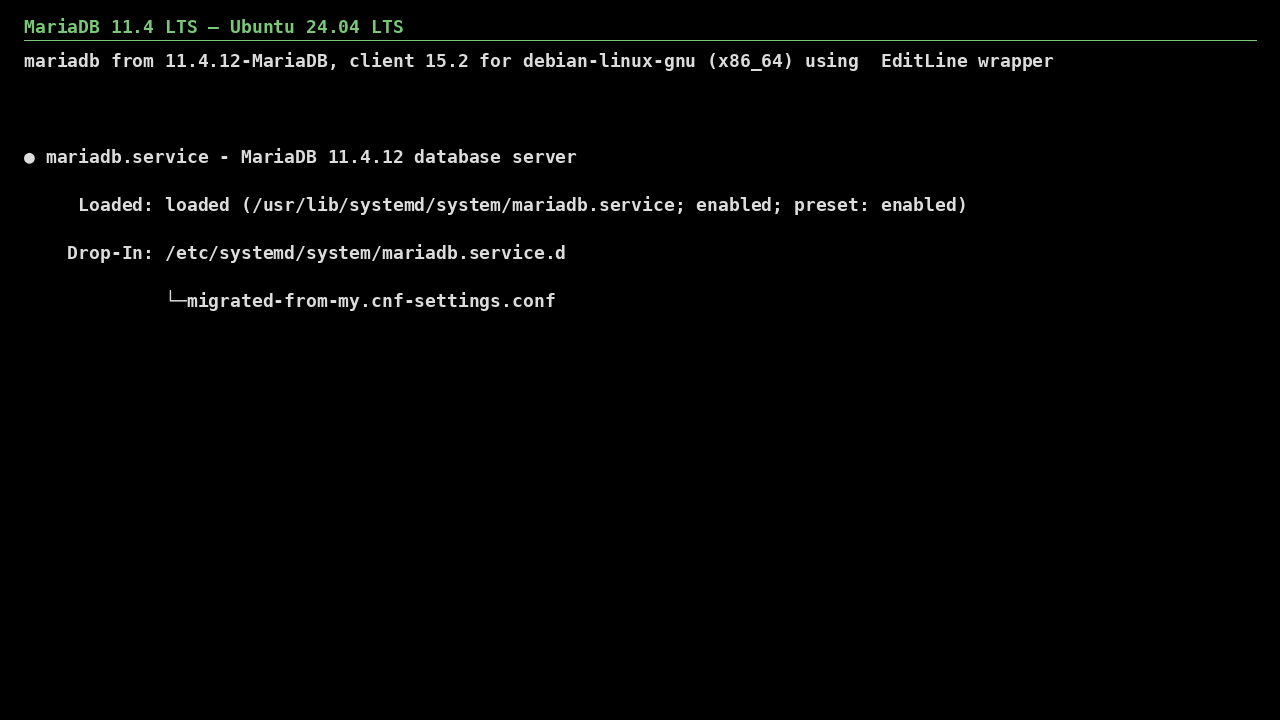
MariaDB 11.4 on Ubuntu 24.04 LTS screenshot

What's included

  • MariaDB 11.4 LTS from the official MariaDB repository
  • Ubuntu 24.04 LTS with automatic security updates
  • Trusted Launch: Secure Boot + vTPM supported
  • Unique per-VM root password generated at first boot — no shared password in the image
  • Listens on localhost by default; the login message lists the three steps that open it to your network
  • TLS on by default (MariaDB 11.4 generates its own certificate at startup)

Quick start

  1. SSH into the VM with the username and key you chose at deploy.
  2. MariaDB runs as the `mariadb` systemd service on port 3306, listening on localhost (127.0.0.1) only: nothing outside the VM can connect until you complete the three steps below. Connect locally with `mariadb -u root -p` using the generated password (see First login below).
  3. To accept clients from another host — three deliberate steps, in this order (images from 2026.1004.2112 print them in the login message): (1) listen on the network: `sudo sed -i 's/^bind-address.*/bind-address = 0.0.0.0/' /etc/mysql/mariadb.conf.d/50-server.cnf && sudo systemctl restart mariadb`; (2) create an account for your client's address — root stays local-only: `CREATE DATABASE appdb; CREATE USER 'app'@'10.0.0.%' IDENTIFIED BY '<strong-password>'; GRANT ALL PRIVILEGES ON appdb.* TO 'app'@'10.0.0.%';`; (3) allow 3306 in the Azure NSG from that address only — never 0.0.0.0/0 (ufw on the VM already allows 3306/tcp).
  4. TLS is on by default: MariaDB 11.4 generates its own certificate at startup. For a CA-signed certificate set ssl_cert / ssl_key in /etc/mysql/mariadb.conf.d/50-server.cnf and restart MariaDB.

Get your admin password (one time)

ssh <your-username>@<VM-IP>
sudo cat /root/.mariadb-initial-password

This is the MariaDB root password set at first boot (root@localhost is switched to password auth, so plain `sudo mariadb` is refused). Connect with `mariadb -u root -p`, change it with ALTER USER, and delete the file once stored securely.

Common use cases

  • MySQL-compatible application backends
  • WordPress / CMS databases at scale
  • Galera-ready building block for HA clusters
  • Analytics and reporting replicas

Why our images

Freshly rebuilt against the latest security advisories, no shared default credentials, Trusted Launch support, and automatic OS security updates — everything runs in your own Azure subscription under your governance.

Deploy MariaDB 11.4 in minutes

Production-ready, hardened, and maintained. Deploy straight from the Azure Marketplace into your subscription.