DC Associates Group logoDC Associates Group

Home / Marketplace / Metabase on Ubuntu 24.04 LTS

Metabase on Ubuntu 24.04 LTS

Self-serve business intelligence your whole team can use. This image boots Metabase on Ubuntu 24.04 LTS with a unique per-VM admin credential — connect a database and publish your first dashboard in minutes, with all analytics traffic staying inside your network.
Version: Metabase 0.50Platform: Ubuntu 24.04 LTSPorts: 3000 (Metabase web UI)Category: Monitoring & Analytics
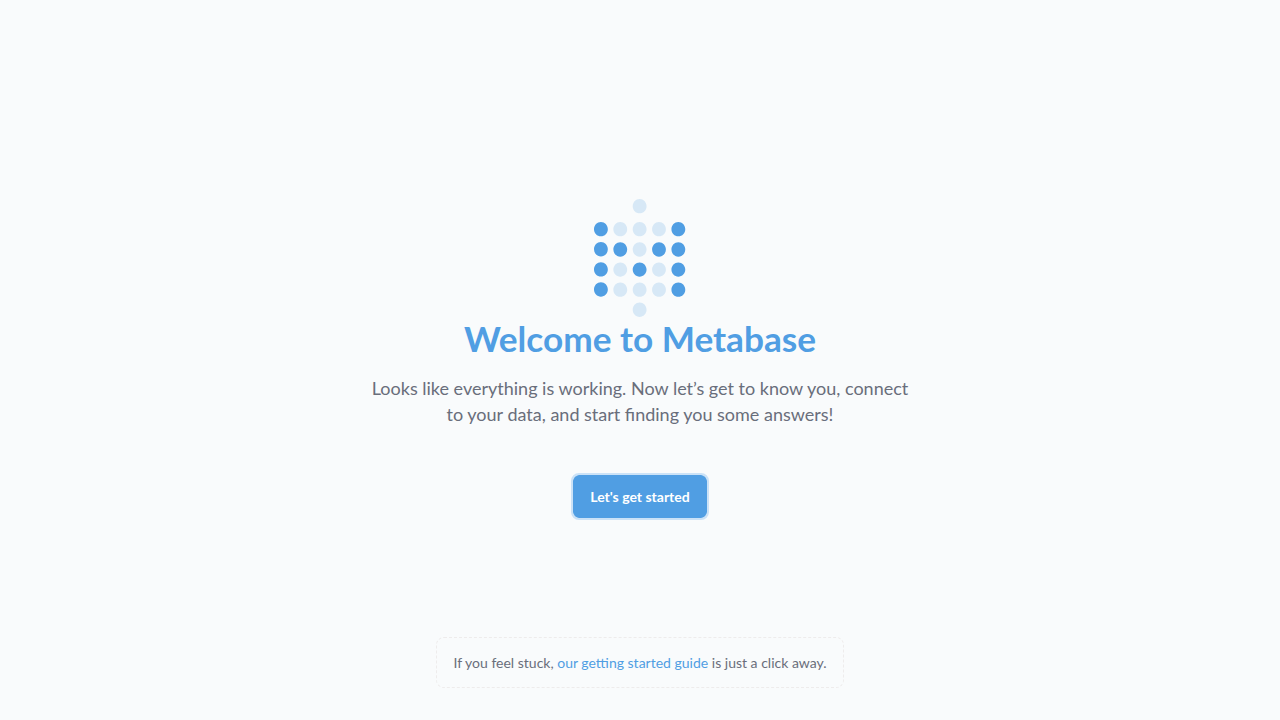
Metabase on Ubuntu 24.04 LTS screenshot

What's included

  • Metabase open-source BI — questions, dashboards, alerts
  • Connects to PostgreSQL, MySQL, SQL Server, MongoDB, and more
  • Unique per-VM admin password generated at first boot
  • Ubuntu 24.04 LTS with automatic security updates
  • Trusted Launch: Secure Boot + vTPM supported
  • Keep data private: query over VNet peering or Private Link

Quick start

  1. Open http://<VM-IP>:3000/ in your browser.
  2. Sign in as `admin` with the generated password (see command below), then change it immediately.
  3. Connect your first database (PostgreSQL, MySQL, SQL Server, and more) and start asking questions.

Get your admin password (one time)

ssh <your-username>@<VM-IP>
sudo cat /var/lib/metabase/admin-password

Every image ships without any shared or default password — a unique admin credential is generated for your VM on first boot. Change it after first sign-in.

Common use cases

  • Company KPI dashboards
  • Embedded analytics for internal tools
  • Ad-hoc SQL exploration with governance
  • Scheduled reports and threshold alerts

Why our images

Freshly rebuilt against the latest security advisories, no shared default credentials, Trusted Launch support, and automatic OS security updates — everything runs in your own Azure subscription under your governance.

Deploy Metabase in minutes

Production-ready, hardened, and maintained. Deploy straight from the Azure Marketplace into your subscription.