Home / Marketplace / MongoDB 7 Community on Ubuntu 24.04 LTS
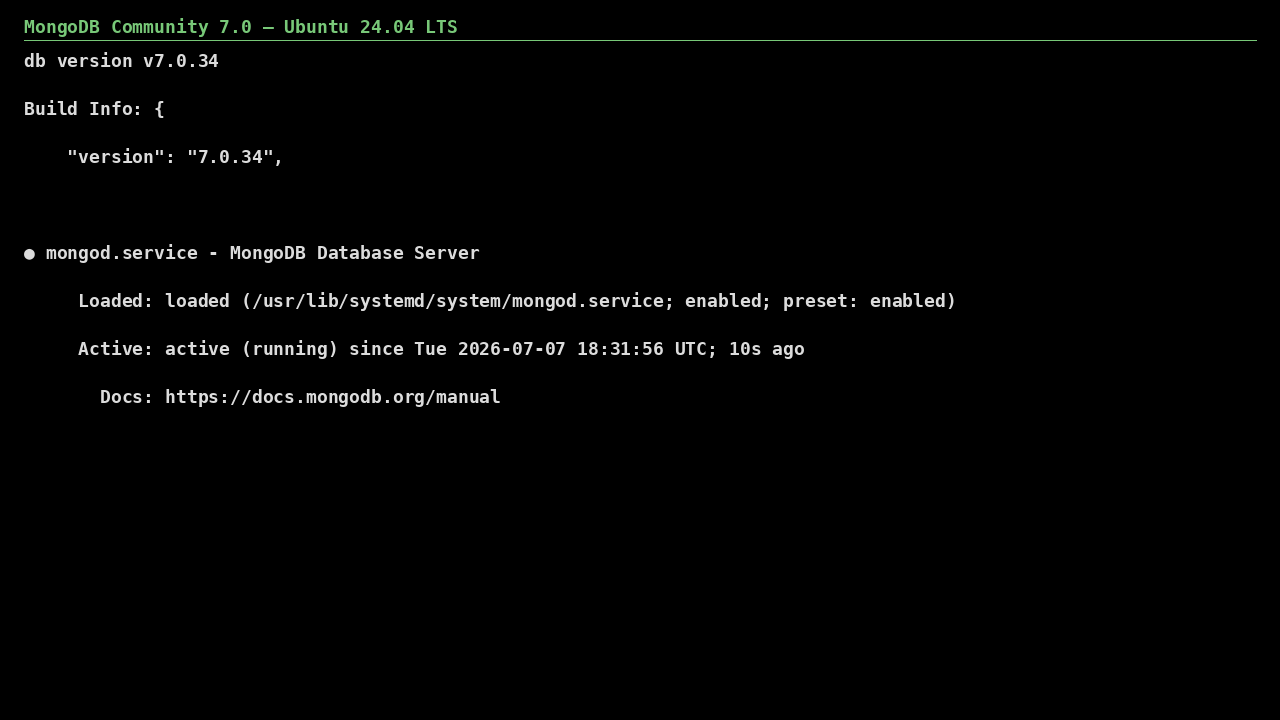
A production-configured MongoDB 7.0 Community Server on Ubuntu 24.04 LTS. The database ships localhost-bound with no default users, so you go from deploy to a securely configured document store in minutes — not an internet-exposed liability.
ssh <your-username>@<VM-IP>
sudo cat /root/.mongodb-initial-password
Authorization is enabled at first boot and the `admin` user (role root) gets a generated password; there is no unauthenticated access. MongoDB listens on 127.0.0.1 until you change net.bindIp.
Freshly rebuilt against the latest security advisories, no shared default credentials, Trusted Launch support, and automatic OS security updates — everything runs in your own Azure subscription under your governance.
Production-ready, hardened, and maintained. Deploy straight from the Azure Marketplace into your subscription.
 Derek Coleman & Associates Inc