DCAI — Derek Coleman & Associates Inc logoDCAI

Home / Marketplace / OpenSearch on Ubuntu 24.04 LTS

OpenSearch on Ubuntu 24.04 LTS

Full-text search and log analytics under a genuinely open license. This image boots OpenSearch 3.8 with Dashboards on Ubuntu 24.04 LTS, secured with a per-VM admin password and a certificate chain generated on your VM — index, search, and visualize within minutes of deploy.
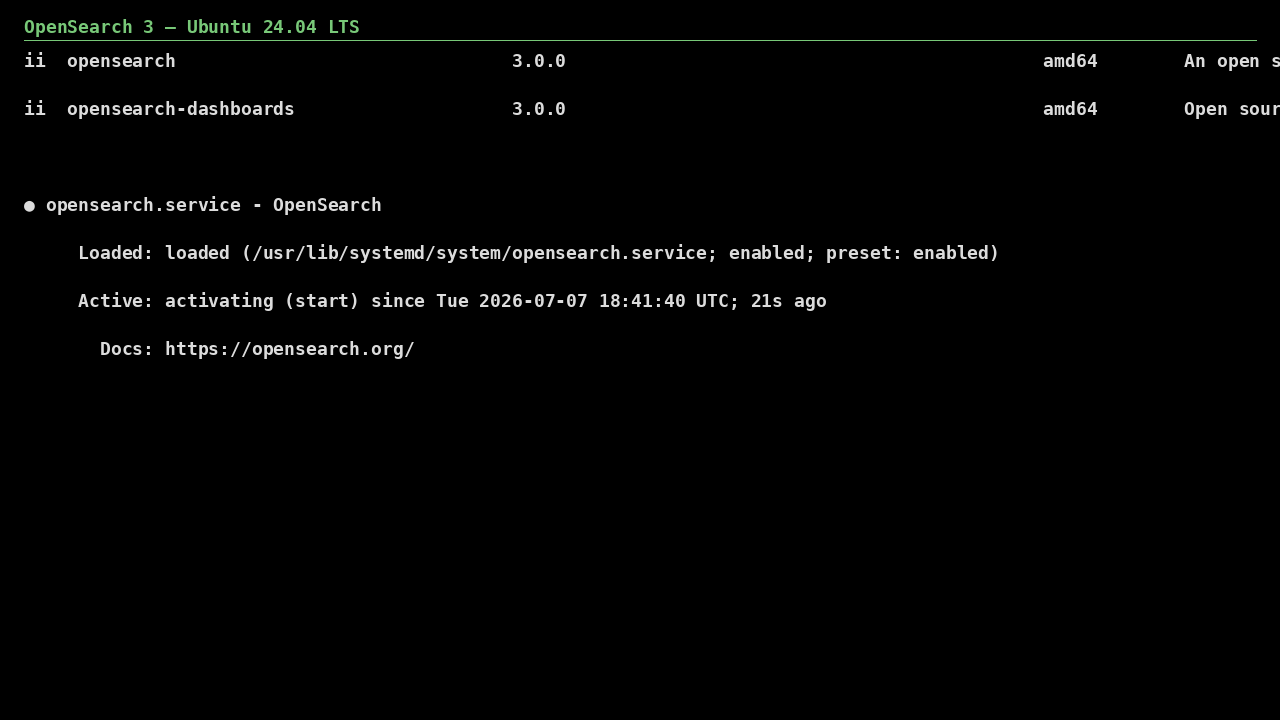
Version: OpenSearch 3.8.0 + OpenSearch Dashboards 3.8.0 (3.x apt repository)Platform: Ubuntu 24.04 LTSPorts: 5601 (Dashboards, HTTP), 9200 (REST API, HTTPS with a certificate chain generated on your VM)Category: Monitoring & Analytics
OpenSearch on Ubuntu 24.04 LTS screenshot

What's included

  • OpenSearch 3.8.0 engine + OpenSearch Dashboards 3.8.0, single node
  • Security plugin enabled with a per-VM certificate chain and per-VM passwords — no demo certificates or demo users
  • REST API compatible with common log shippers
  • Security Analytics plugin not installed (add it by its Maven coordinates if you need it)
  • JVM heap set to 2 GB — raise it for larger VMs (/etc/opensearch/jvm.options.d/heap.options)
  • Ubuntu 24.04 LTS with automatic security updates
  • Trusted Launch: Secure Boot + vTPM supported

Quick start

  1. Deploy from the Azure Marketplace (Get It Now → Create), choosing your SSH key at the Administration step.
  2. Allow inbound SSH (22) for yourself plus the application port(s): 5601 (Dashboards) and, for API clients, 9200 — restrict to your own IP where possible. The in-image firewall already allows them; only the Network Security Group (NSG) keeps them closed.
  3. Open http://<VM-IP>:5601/ and sign in as admin (see First login below).
  4. Create an index pattern and start ingesting via the REST API on https://<VM-IP>:9200 (Beats/Logstash/Data Prepper compatible).

Get your admin password (one time)

ssh <your-username>@<VM-IP>
sudo cat /var/lib/opensearch/admin-password

Sign in as admin. The REST API on 9200 is HTTPS with a certificate chain generated on your VM (use -k, or trust /etc/opensearch/certs/root-ca.pem); admin is a reserved user — change its password on the node with the steps in the credential file.

Common use cases

  • Centralized log analytics
  • Application and site search
  • Observability trace/metric exploration
  • SIEM data lake foundation

Why our images

Freshly rebuilt against the latest security advisories, no shared default credentials, Trusted Launch support, and automatic OS security updates — everything runs in your own Azure subscription under your governance.

Deploy OpenSearch in minutes

Production-ready, hardened, and maintained. Deploy straight from the Azure Marketplace into your subscription.