Derek Coleman & Associates Inc logoDerek Coleman & Associates Inc

Home / Marketplace / PostgreSQL 16 on Ubuntu 24.04 LTS

PostgreSQL 16 on Ubuntu 24.04 LTS

Managing a production PostgreSQL database on Azure is harder than it looks: dependency conflicts, untuned kernel parameters, and hours of manual security hardening before you can accept a single connection. This image eliminates that friction — your PostgreSQL 16 instance is ready to accept connections within minutes of first boot.
Version: PostgreSQL 16 (PGDG packages)Platform: Ubuntu 24.04 LTSPorts: 5432 (PostgreSQL, TLS available) — listen_addresses = '*' and a `host all all 0.0.0.0/0 md5` rule are pre-set; only the NSG keeps it closedCategory: Databases
Pay-as-you-go pricing: $0.09 per vCPU per hour software fee, plus Azure infrastructure (billed by Microsoft). Example: a 4-vCPU VM runs about $263/month in software fees at 730 hours — stop the VM, stop paying.
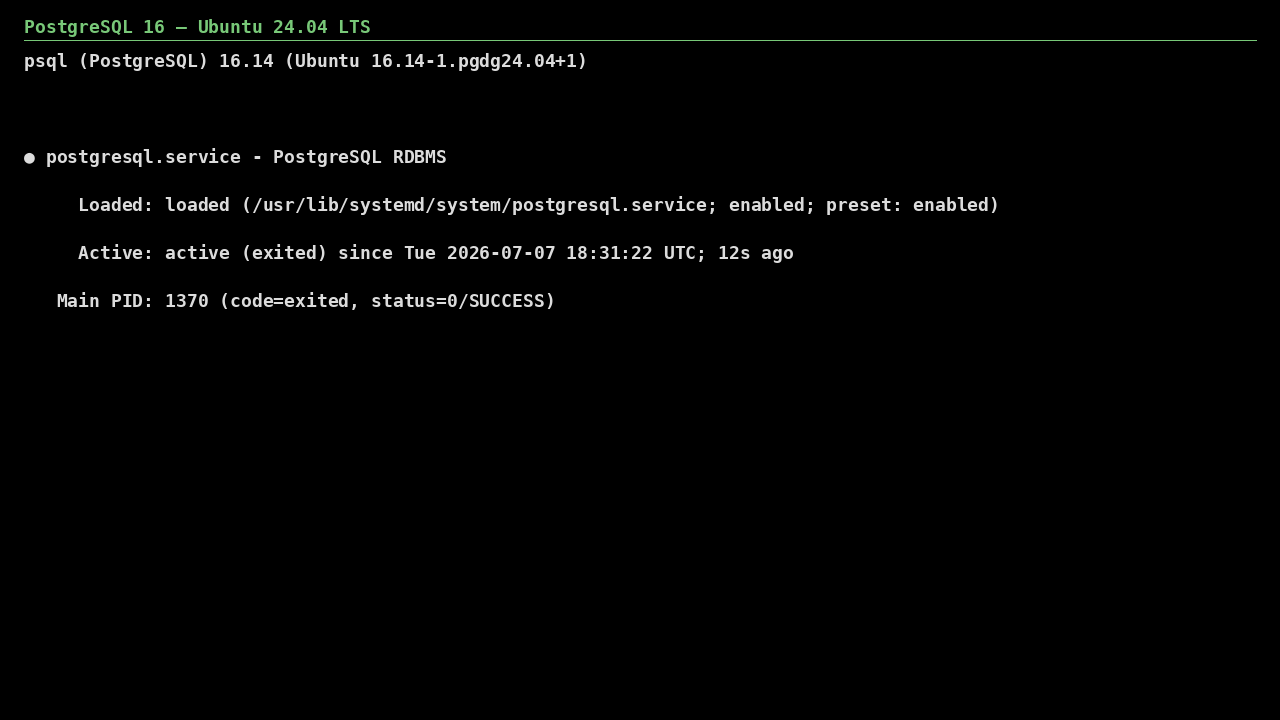
PostgreSQL 16 on Ubuntu 24.04 LTS screenshot

What's included

  • PostgreSQL 16 packages, configured for production
  • Ubuntu 24.04 LTS base with automatic security updates enabled
  • Trusted Launch: Secure Boot + vTPM supported by default
  • Unique per-VM postgres password generated at first boot — no shared password in the image
  • Auto-mounts an attached Premium SSD data disk on first boot
  • Azure Monitor Agent, Defender for Cloud, and Update Manager install cleanly

Quick start

  1. SSH into the VM with the username and key you chose at deploy.
  2. PostgreSQL 16 runs as the `postgresql` systemd service. This image sets listen_addresses = '*' and a `host all all 0.0.0.0/0 md5` rule in /etc/postgresql/16/main/pg_hba.conf, and the in-image ufw allows 5432 — only the NSG keeps 5432 closed until you open it.
  3. Connect locally with `sudo -u postgres psql`, create your application role and database, restrict pg_hba.conf to your subnets, then open 5432 in the NSG to your app tier only.

Get your admin password (one time)

ssh <your-username>@<VM-IP>
sudo cat /root/.postgresql-initial-password

This is the password of the `postgres` superuser, set at first boot. Local `sudo -u postgres psql` still works (peer auth); network clients use this password over md5 until you tighten pg_hba.conf. Change it with ALTER USER and delete the file once stored securely.

Common use cases

  • Transactional workloads (ACID-compliant primary datastore)
  • Read replicas and analytics query nodes
  • Dev/staging environments identical to production
  • On-premises to Azure replication and disaster recovery

Why our images

Freshly rebuilt against the latest security advisories, no shared default credentials, Trusted Launch support, and automatic OS security updates — everything runs in your own Azure subscription under your governance.

Deploy PostgreSQL 16 in minutes

Production-ready, hardened, and maintained. Deploy straight from the Azure Marketplace into your subscription.