DC Associates Group logoDC Associates Group

Home / Marketplace / RabbitMQ on Ubuntu 24.04 LTS

RabbitMQ on Ubuntu 24.04 LTS

The most deployed open-source message broker, production-ready at first boot. RabbitMQ 4.0 ships with the management plugin enabled and a unique per-VM admin credential — queues, exchanges, and routing for your services in minutes.
Version: RabbitMQ 4.0Platform: Ubuntu 24.04 LTSPorts: 5672 (AMQP), 15672 (management UI)Category: Messaging & Streaming
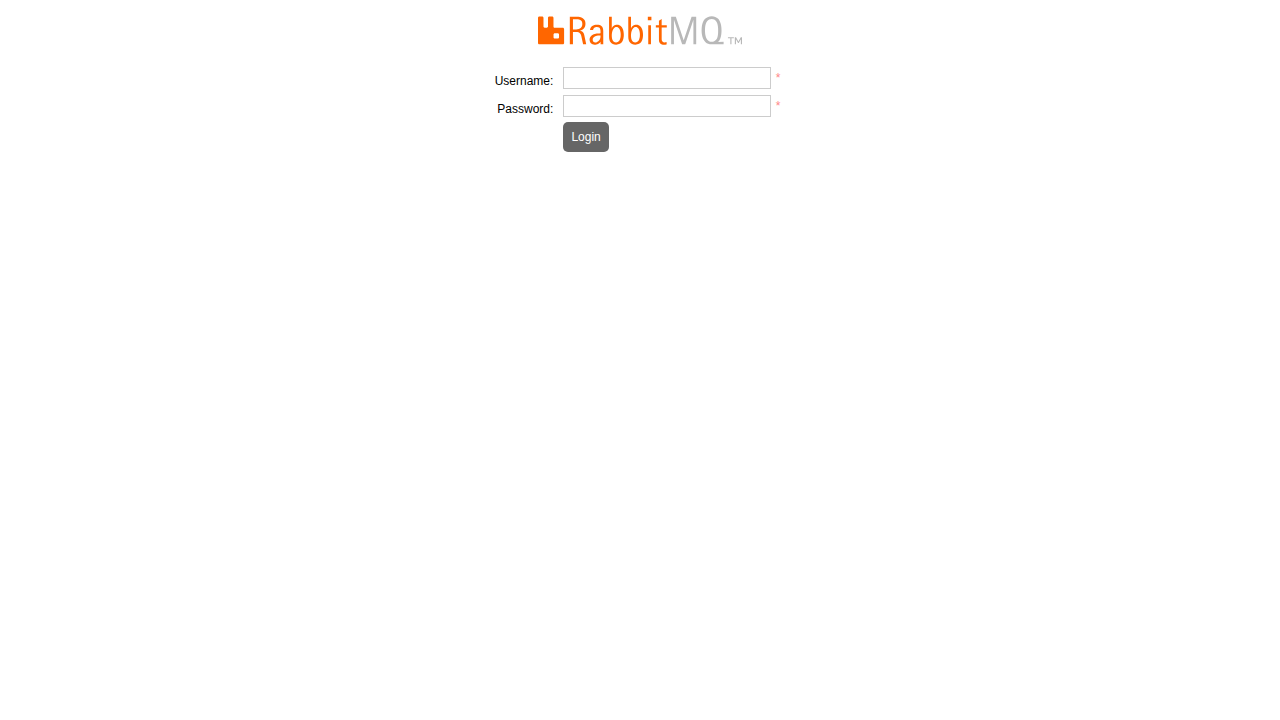
RabbitMQ on Ubuntu 24.04 LTS screenshot

What's included

  • RabbitMQ 4.0 with the management UI enabled
  • AMQP 0-9-1 plus plugin support for MQTT and STOMP
  • Unique per-VM admin password generated at first boot
  • Ubuntu 24.04 LTS with automatic security updates
  • Trusted Launch: Secure Boot + vTPM supported
  • Clustering-ready for HA when you grow beyond one node

Quick start

  1. Open the management UI at http://<VM-IP>:15672/.
  2. Sign in as `admin` with the generated password (see command below), then change it immediately.
  3. Create your vhosts, users, and queues; point AMQP clients at port 5672 over your VNet.

Get your admin password (one time)

ssh <your-username>@<VM-IP>
sudo cat /opt/rabbitmq/admin-password

Every image ships without any shared or default password — a unique admin credential is generated for your VM on first boot. Change it after first sign-in.

Common use cases

  • Async task queues (Celery, MassTransit, etc.)
  • Service-to-service messaging
  • IoT ingestion via MQTT plugin
  • Work distribution and RPC patterns

Why our images

Freshly rebuilt against the latest security advisories, no shared default credentials, Trusted Launch support, and automatic OS security updates — everything runs in your own Azure subscription under your governance.

Deploy RabbitMQ in minutes

Production-ready, hardened, and maintained. Deploy straight from the Azure Marketplace into your subscription.