Derek Coleman & Associates Inc logoDerek Coleman & Associates Inc

Home / Marketplace / Wazuh All-in-One on Ubuntu 24.04 LTS

Wazuh All-in-One on Ubuntu 24.04 LTS

A complete security information and event management (SIEM) and extended detection and response (XDR) platform in a single VM: Wazuh manager, indexer, and dashboard pre-integrated. Unique per-VM credentials are generated at install — start enrolling agents and detecting threats the same hour you deploy.
Version: Wazuh 4.14.7 all-in-one (manager + indexer + dashboard; fixes CVE-2026-30893) in image 2026.917.1654 and later; Wazuh 4.12.0 in earlier imagesPlatform: Ubuntu 24.04 LTSPorts: 443 (dashboard, HTTPS self-signed); agent ports 1514/tcp and 1515/tcp are NOT opened in the in-image firewall — run `sudo ufw allow 1514/tcp` and `sudo ufw allow 1515/tcp` plus NSG rules when enrolling agentsCategory: Security & Identity
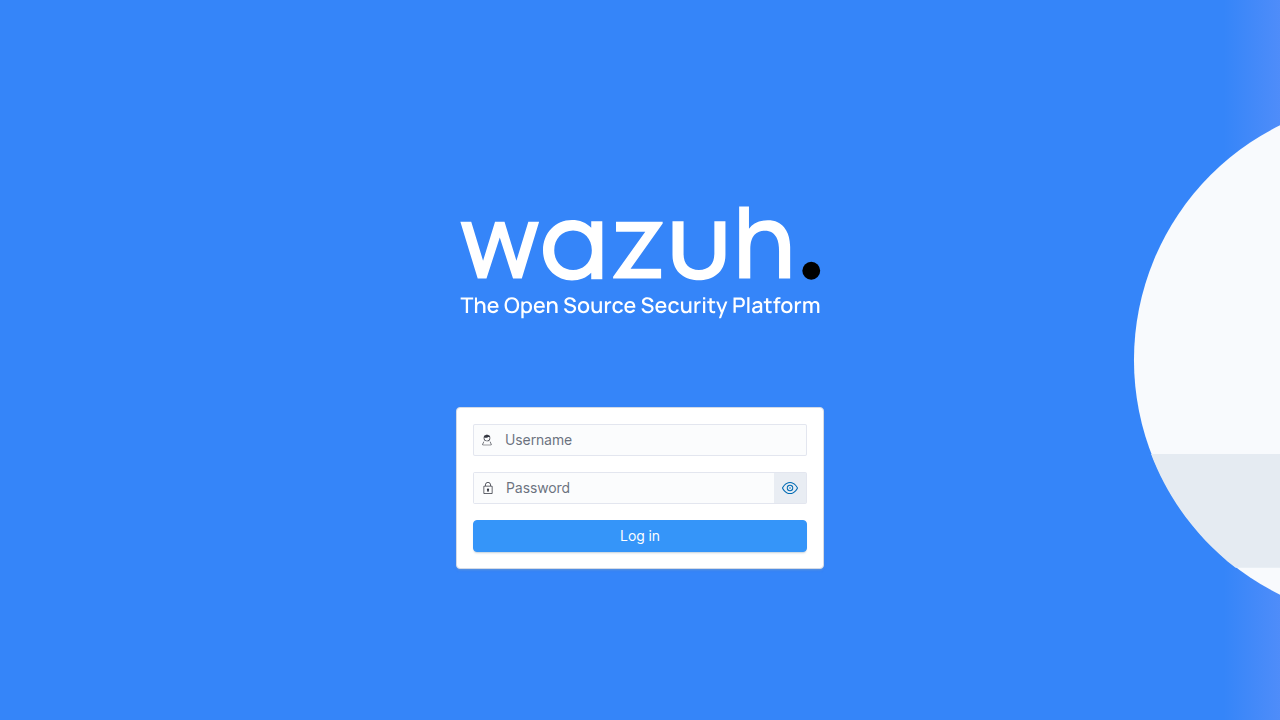
Wazuh All-in-One on Ubuntu 24.04 LTS screenshot

What's included

  • Wazuh 4.12 manager + indexer + dashboard, pre-integrated
  • File integrity monitoring, vulnerability detection, log analysis
  • Compliance mappings: PCI DSS, HIPAA, GDPR, CIS
  • Unique per-VM credential set generated at first boot
  • Ubuntu 24.04 LTS with automatic security updates
  • Trusted Launch: Secure Boot + vTPM supported

Quick start

  1. Deploy from the Azure Marketplace (Get It Now → Create), choosing your SSH key at the Administration step.
  2. Allow inbound SSH (22) for yourself plus the application port(s): 443 (dashboard) to your IP; 1514/1515 to your agents after opening them in ufw — restrict to your own IP where possible. The in-image firewall already allows them; only the Network Security Group (NSG) keeps them closed.
  3. Open https://<VM-IP>/ (self-signed certificate) and sign in as admin (see First login below).
  4. Deploy Wazuh agents to your fleet from the dashboard's agent-enrollment wizard (open 1514/1515 in ufw and the NSG first).

Get your admin password (one time)

ssh <your-username>@<VM-IP>
sudo cat /var/ossec/etc/wazuh-admin-password

Sign in as admin with the password in /var/ossec/etc/wazuh-admin-password. The installer's wazuh-passwords.tar.gz bundle is removed at first boot (it no longer exists on the VM).

Common use cases

  • SIEM for hybrid VM + container fleets
  • Compliance evidence collection (PCI/HIPAA/CIS)
  • Endpoint detection with the Wazuh agent
  • Centralized log analysis and alerting

Why our images

Freshly rebuilt against the latest security advisories, no shared default credentials, Trusted Launch support, and automatic OS security updates — everything runs in your own Azure subscription under your governance.

Deploy Wazuh All-in-One in minutes

Production-ready, hardened, and maintained. Deploy straight from the Azure Marketplace into your subscription.